
Hello! I am Max, an Engineering Manager at Money Forward.
At DroidKaigi 2026 (September 1–3), our booth had an Android Knowledge Quiz. Many of you scanned the QR code, answered with a serious face, and then asked us:
“So… what is the correct answer?”
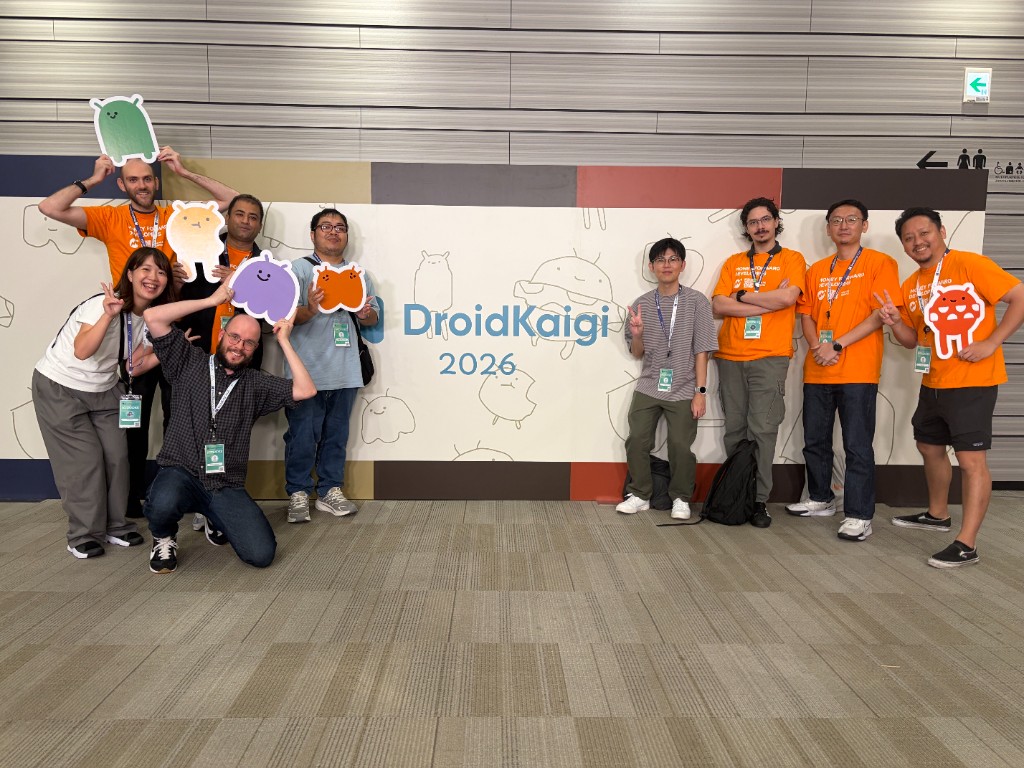
We did not tell you at the booth. Sorry! We promised to share the answers on this blog. The time has come (ノ´ヮ`)ノ*: ・゚
In this post, I will share:
- How everyone did (numbers and charts!)
- The answers for all 5 questions, with short explanations
- What we learned from making this quiz
1. The quiz in numbers
First, thank you! Over two days, we received 232 submissions. That is a lot of brain power in one booth.

| Sep 2 | Sep 3 | Total | |
|---|---|---|---|
| Submissions | 173 | 59 | 232 |
| Average score (out of 15) | 8.9 | 8.5 | 8.8 |
The most common score was 8 points (50 people).
Only 1 person got a perfect 15 / 15. You are a legend. If you are reading this, please come and say hello to us next year!
Small confession: the quiz was quite difficult, maybe a bit too much.
If you got “Explorer”, please do not feel bad. This quiz was made on purpose to focus on very new topics. Some of these APIs and tools did not even exist one year ago. A low score here is not proof of a lack of skill. It only means Android moved faster than anyone’s bookmarks!
OK, now let’s look at the answers.
2. Question 1: Compose Styles API
For each sample, say whether it follows Style APIs best practices.
The Styles API is a new way to describe how a component looks in Compose. The key idea is simple: a Style is about how things look, not how they behave.
Some people asked us if we already use it in our apps: we don’t! (But we did consider them for some newer components…)
A. A branded button that submits a form → ❌ Does not follow
val submitStyle = Style {
    background(Color.Blue)
    padding(12.dp)
    onClick { viewModel.submit() }
}
The background and padding are fine. But onClick is behavior, not looks. Put clicks on a modifier, and keep the Style for visual things only.
B. A design-system component that others will customize → ✅ Follows
Composable
fun GradientButton(
    modifier: Modifier = Modifier,
    style: Style = Style,
) { /* consume style */ }
This is the recommended shape. Design-system components should take style: Style = Style, placed right after modifier.
C. A button that is red by default, but callers can change it → ❌ Does not follow
@Composable
fun PrimaryButton(
    modifier: Modifier = Modifier,
    style: Style = Style { background(Color.Red) },
)
This one looks very natural, right? But the rule is: do not put a Style { ... } as the default value of the parameter. Keep the default as Style, and apply the red look inside the component.
D. A card that follows the app theme (light and dark) → ✅ Follows
val StyleScope.colors: AppColors
    get() = AppTheme.local.currentValue.colors

val card = Style {
    background(colors.surface)
    shape(shapes.medium)
}
One style that reads the theme values from StyleScope. When the theme changes, the card changes too. Clean!
Anyway, there is a nice Do’s and Don’ts page from Google that explains everything well, feel free to have it a look. (And because Styles API is still in Alpha, there is always a possibility this changes…)
3. Question 2: The android/skills repository
The GitHub
android/skillsrepo ships agent skills for workflows where models tend to underperform. For each name, say whether it is a skill in that repository.
This repository gives AI agents extra knowledge for Android tasks where they often make mistakes. It is quite new, so this question was a real test of “did you check GitHub recently?”
| Skill name | Answer | Why |
|---|---|---|
r8-analyzer | ✅ Provided | It is in the repo at performance/r8-analyzer |
room-migrations | ❌ Not provided | We made this one up! Room migrations are common work, but there is no Room skill |
edge-to-edge | ✅ Provided | It is in the repo at system/edge-to-edge |
glance-app-widgets | ❌ Not provided | Also made up! Glance is real, but there is no Glance skill |
navigation-3 | ✅ Provided | It is in the repo at navigation/navigation-3 |
Yes, we were a little bit mean here. The fake names sound very real ( ̄▽ ̄;)
The android/skills gets updated very regularly. Some of the skills might be more or less useful, but I think they can be good starting points for some of those tasks!
4. Question 3: Navigation 2 → 3 migration
An AI model migrated this recipe flow from Navigation 2 to Navigation 3. For each claim, say whether it is a real mistake or not a mistake.
@Serializable
data object RecipeList : NavKey

@Serializable
data class RecipeDetail(val id: String) : NavKey

@Serializable
data object RecipeGraph : NavKey

val navController = rememberNavController()
val backStack = rememberNavBackStack(RecipeGraph)

NavDisplay(
    backStack = backStack,
    onBack = { navController.popBackStack() },
    entryProvider = entryProvider {
        navigation<RecipeGraph>(startDestination = RecipeList) {
            entry<RecipeList> {
                RecipeListScreen(
                    onOpen = { id -> backStack.add(RecipeDetail(id)) },
                )
            }
            entry<RecipeDetail> { key ->
                RecipeDetailScreen(id = key.id)
            }
        }
    },
)
This question has a hidden message: AI can write code fast, but you still need to review it.
A. Routes are @Serializable and also implement NavKey → Not a mistake
rememberNavBackStack needs @Serializable keys. NavKey does not replace the annotation. You need both.
B. Back is still navController.popBackStack() → Real mistake
In Navigation 3, you manage the back stack yourself. The back stack is simply a list. onBack updates this list, such as by removing the last element. Because of this, NavController is no longer needed here.
C. Arguments come from key.id, not toRoute() → Not a mistake
In Navigation 3, the entry lambda receives the key directly. toRoute() is a Navigation 2 thing.
D. A nested navigation<RecipeGraph> graph is kept as the parent → Real mistake
entryProvider has no parent-child graph. Delete the nested navigation { } block and the base route. The keys are simply entries in the back stack.
Here is a fixed version:
@Serializable
data object RecipeList : NavKey

@Serializable
data class RecipeDetail(val id: String) : NavKey

val backStack = rememberNavBackStack(RecipeList)

NavDisplay(
    backStack = backStack,
    onBack = { backStack.removeLastOrNull() },
    entryProvider = entryProvider {
        entry<RecipeList> {
            RecipeListScreen(
                onOpen = { id -> backStack.add(RecipeDetail(id)) },
            )
        }
        entry<RecipeDetail> { key ->
            RecipeDetailScreen(id = key.id)
        }
    },
)
Shorter and simpler. Nice, right?
5. Question 4: Android Bench
Android Bench scores models on Android developer tasks. As of 20 August 2026, the public leaderboard’s latest results are dated 11 August. Which model has the highest score?
Answer: Claude Opus 5 🏆
| Model | Score |
|---|---|
| Claude Opus 5 | 91.8% |
| Claude Fable 5 | 90.9% |
| GPT 5.6 Sol | 90.8% |
| Kimi K3 | 90.2% |
Look at these numbers. The top 4 models are less than 2 points apart! And one surprising result at that time was that Opus was over Fable.
By the way, the ranking may already be different when you read this post. That is exactly why we asked it: in the AI world, “the best model” can change in a few weeks.
In fact, in September, the bench was updated to find out which is the best model for long-horizon tasks. Part of the work of an engineer has become to understand well what each of the model can achieve, and at which speed and cost. I think everyone feels that from their day-to-day work.
6. Question 5: The bonus question
This quiz and single-page site were built with Cursor AI. How much did that usage cost in total?
The choices were $2.40, $5.77, $9.50 and $15.00.
Answer: $5.77 (๑˃̵ᴗ˂̵)
Yes, the whole quiz website, in English and Japanese, was worth just a lunch in Tokyo. It shows how much our daily tools are changing.
It may seem cheap or expensive depending on your own referential.
For those who feel it is too expensive for what it looked like, a few small disclaimers: we are talking about API-billed pricing; also, the site creation was actually a bit more complicated than it looks – implementation included designing each question, designing the site itself, creating the deploy scripts to GCP, some features like ensuring via cookies that multiple responses per person are not possible, allowing skipping questions and answering them later, fixing some of the feedback from my Android engineer peers, etc.
All of that in mind, I personally feel it was quite cheap. If you still feel it’s expensive, I apologize—it just means I haven’t fully mastered using AI development tools yet!
7. Lessons learned: Android never stops moving
Making this quiz was a great learning experience for us too.
To write the questions, we had to read new docs, open new GitHub repos and try new APIs. Even the people who wrote the quiz had to check the answers many times. “Wait, is this really how it works now?” is a very normal feeling in Android development.
What we want to share with everyone who participated is that your score doesn’t reflect your skill level. Rather, it simply shows how new these topics were. Compose Styles, android/skills, Navigation 3, and Android Bench are all very recent additions.
Even an engineer with 10 years of Android experience doesn’t know everything. And that’s a good thing—it means our work never gets boring! As Question 3 illustrated, AI is a teammate, not a replacement for engineers. AI-migrated code can look plausible at first glance and still be incorrect. Understanding the platform remains essential today.
A tough quiz serves as a great excuse for developers to get together and get excited about new topics (≧∇≦)
Also, we saw this year that many visitors were not Android engineers, so a non-Android version of the quiz could be fun. We hope to have something interesting available for everyone next time!
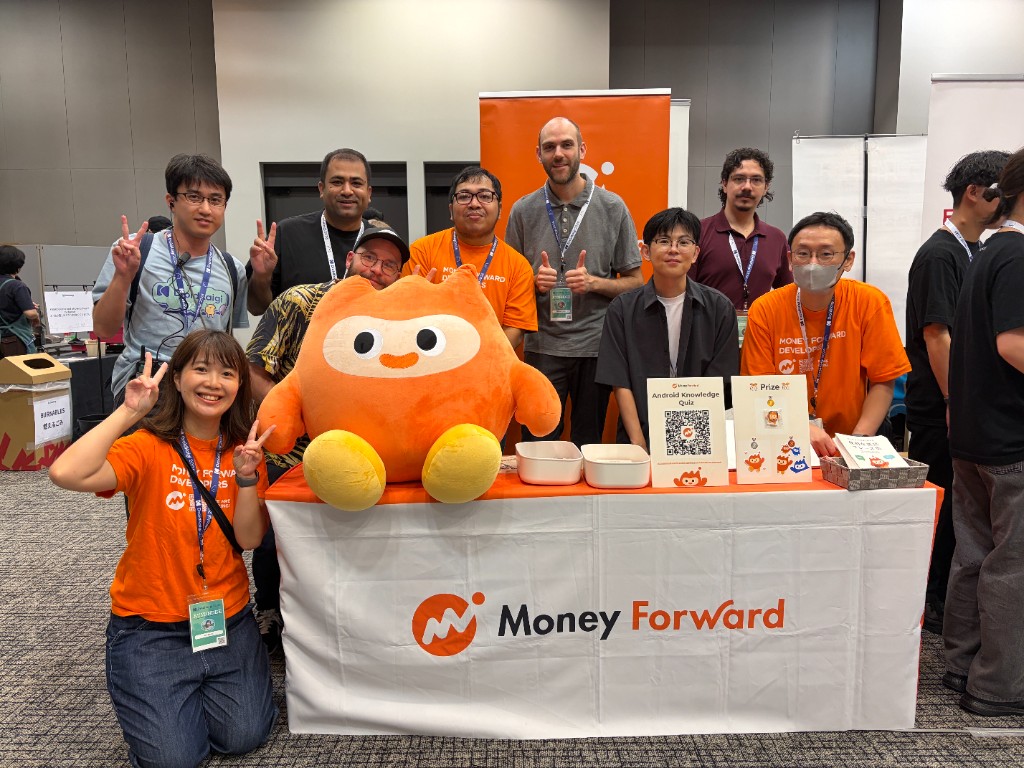
Thank you very much to everyone who visited our booth, played the quiz, and talked with us. See you at DroidKaigi 2027!